







Revolutionize How Your Team
Handles Time-Offs

The Ultimate Time-Off Management Appโ€”Perfect for Startups and Unlimited PTO Companies. Easily track, request, and approve leave, all within MS Teams. Achieve seamless management, real-time visibility, and data-driven insights to enhance team efficiency.

Simplify TimeOff Management

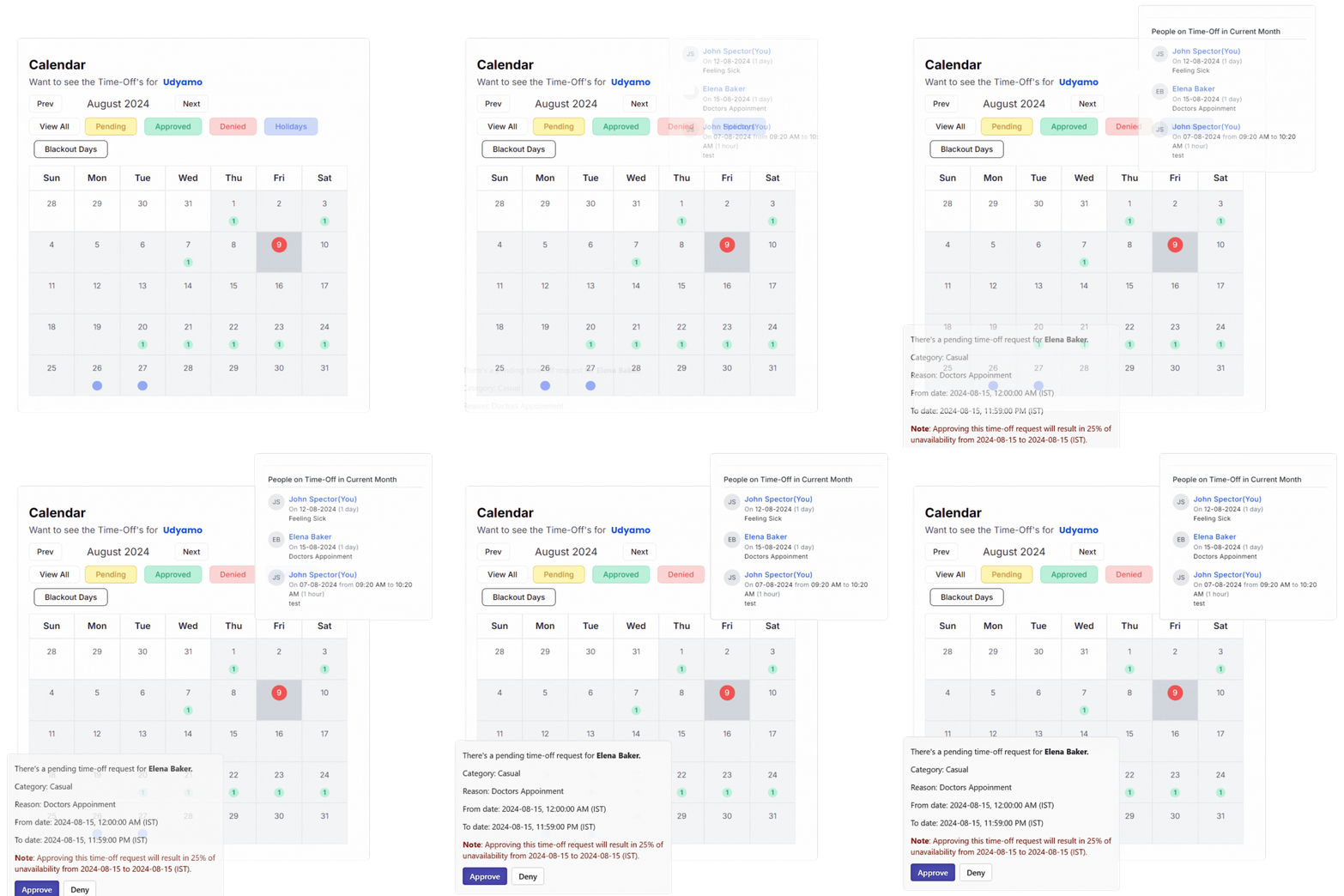
Handle requests, approvals, and tracking efficiently, with clear communication and minimal workflow disruptions.

  • Instant availability insights
  • Quick and transparent approvals
  • Simple leave tracking
  • Holiday management and overview
  • Calendar view for enhanced visibility
Simplify TimeOff Management

Ensure Policy Compliance

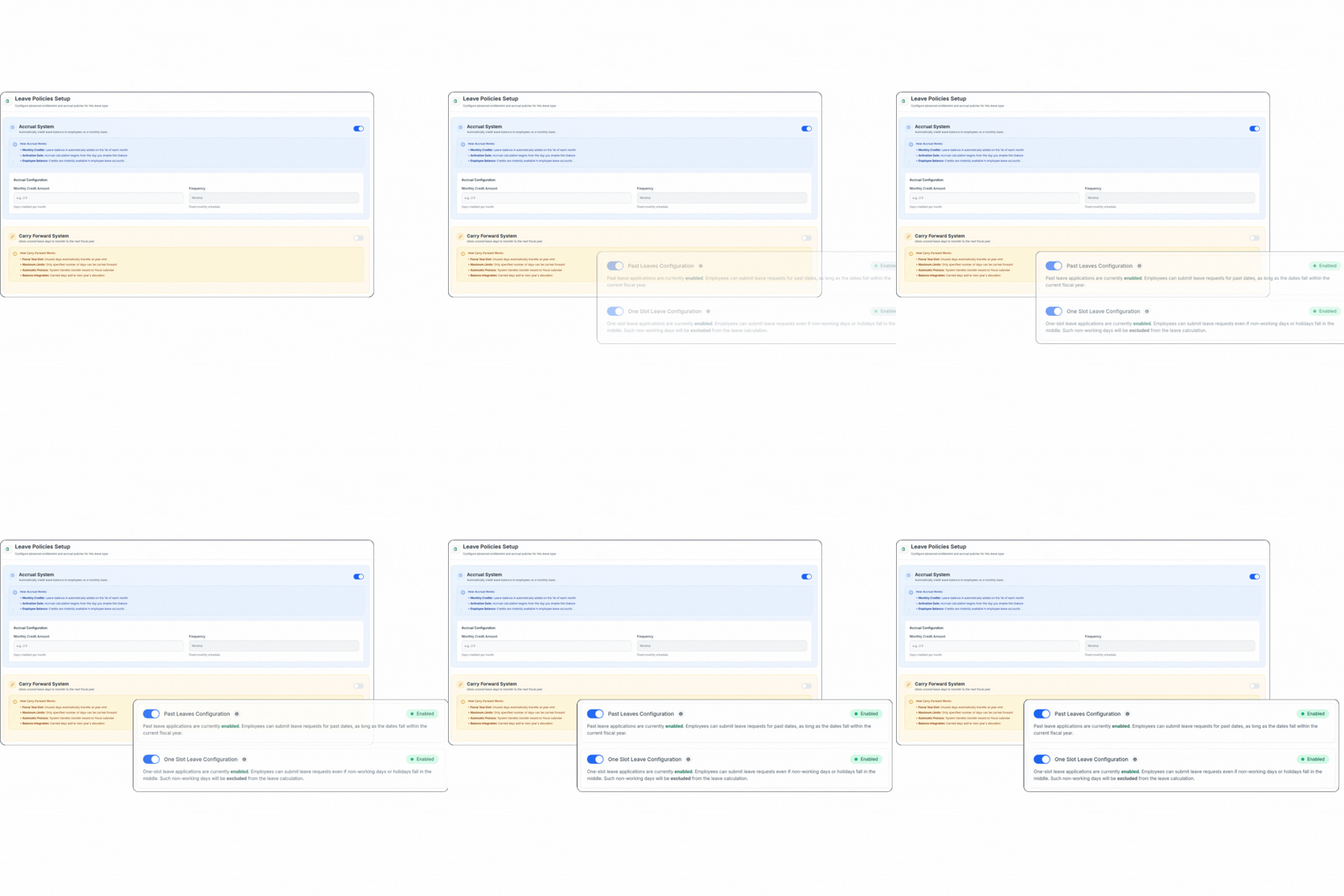
Easily enforce your company's time-off policies, ensuring that all requests align with established rules and regulations, while maintaining fairness and transparency.

  • Customizable leave types
  • Automated policy adherence
  • Fair and consistent approvals
  • Restricted days management
Ensure Policy Compliance

Improve Resource Planning

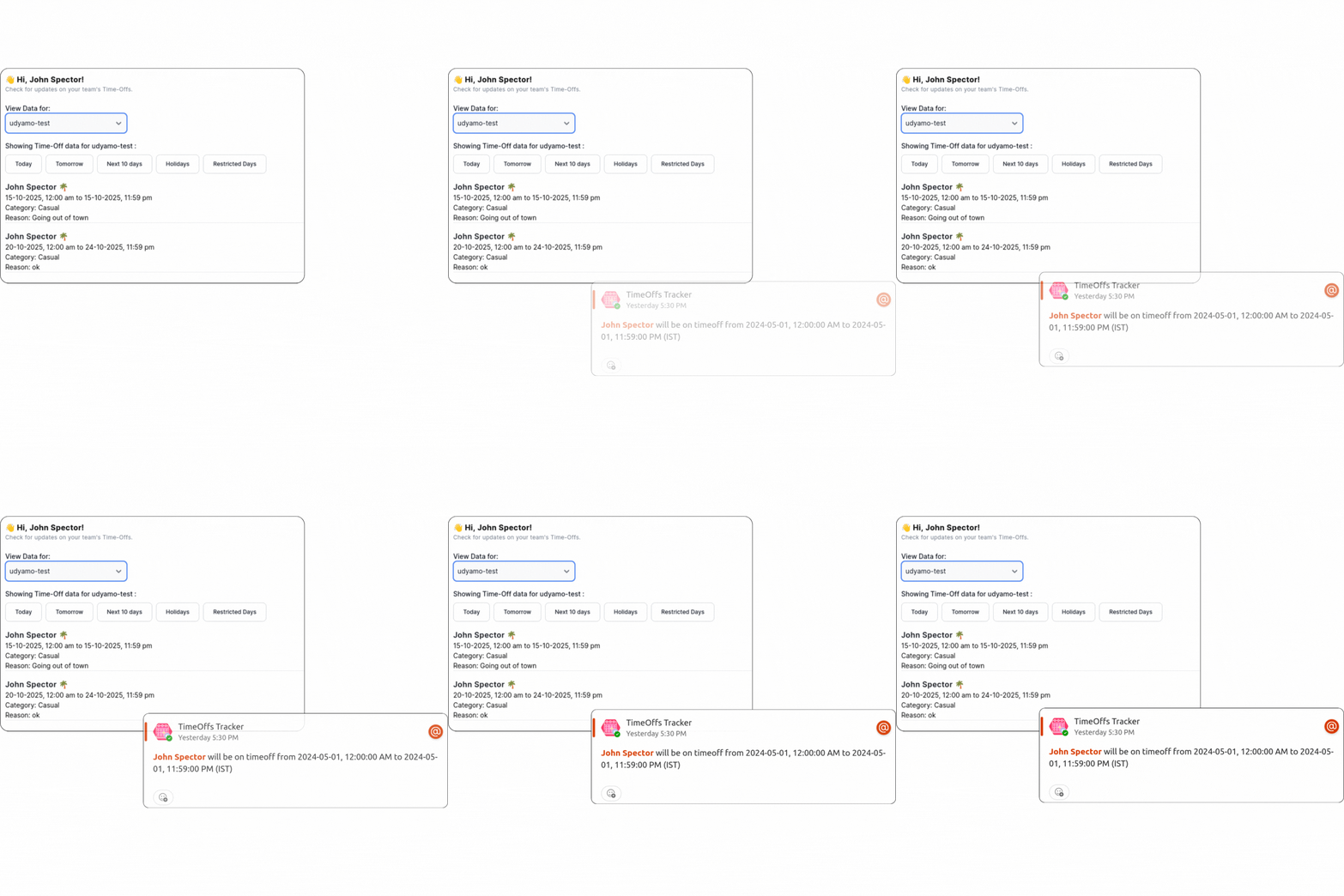
Enhance your teamโ€™s productivity by providing managers with the tools to foresee and plan around employee absences, ensuring smooth operations.

  • Comprehensive team visibility
  • Future leave preparation
  • Minimize work disruptions
  • Balanced workload management
Improve Resource Planning

Enhance Employee Satisfaction

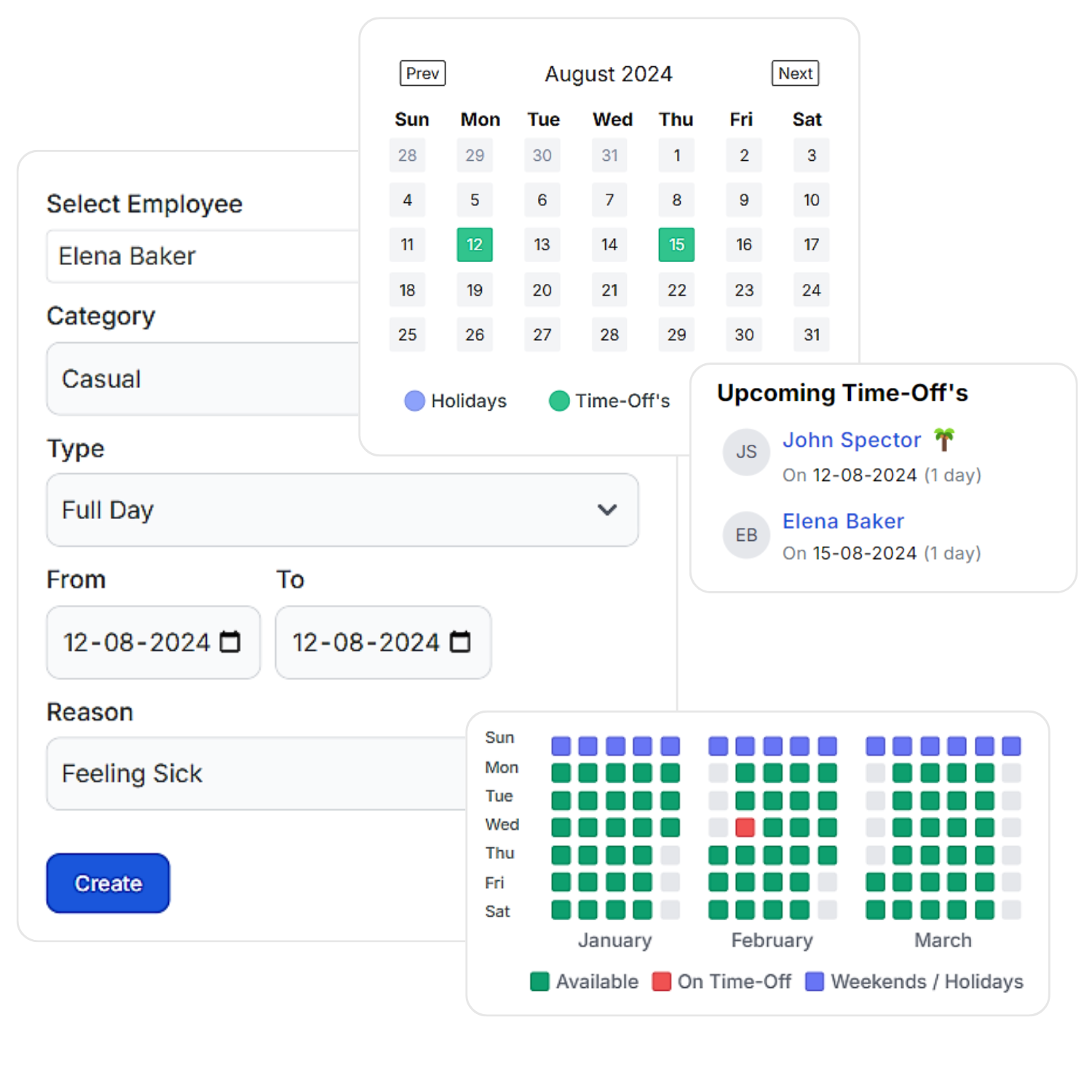
Create a positive work environment by offering a simple and transparent time-off process that respects your employees' needs for work-life balance.

  • User-friendly interface
  • Effortless request submission
  • Personalized leave type distribution
  • Support work-life balance
Enhance Employee Satisfaction

Boost Operational Efficiency

Reduce the administrative burden on HR and managers by automating time-off requests and approvals, allowing them to focus on more strategic tasks.

  • Automated processes
  • Real-time notifications
  • Onboarding in no time
  • Reduced manual work & budget-friendly
Boost Operational Efficiency

Frequently Asked Questions

How do I request time off using the bot?
To request time off, simply add Timeoffs by Udyamo to the respective team and use the compose extension from that channel. Alternatively, you can add the bot to yourself and your team and use the 'timeoff' command in the chat to initiate the timeoff request process.
How can I subscribe to TimeOffs By Udyamo?
To subscribe to TimeOffs By Udyamo, visit https://timeoffs.udyamo.com/ and choose a subscription plan that suits your needs. All subscriptions come with a specified number of time-off requests based on the selected plan.
Is there a free trial available?
Yes, we offer a free plan with basic features. Check our pricing page for details on limitations and available features. The free trial will automatically commence upon adding the bot, providing you with one month of unlimited timeoff requests. You can extend the trial by visiting our website.
How do I request time off for a specific date using the TimeOffs by Udyamo with a license?
To request time off for a specific date, you can simply type the 'timeoff' command in the chat, follow the prompts, and submit your request. This provides flexibility in how you initiate the time-off request process.
Can I request partial time-off using the TimeOffs by Udyamo?
Yes, you can request partial time-off using the TimeOffs by Udyamo. When submitting your time-off request, specify the start and end times to indicate the duration of the partial time-off. This feature allows for flexibility in managing your schedule.
Can I view all the time-off requests I have submitted?
Yes, you can easily view all your submitted time-off requests, including the complete time-off history, on our website. Log in to your account, navigate to the designated section for time-off history, and access comprehensive details.
Who can approve or deny time-off requests?
Only users with appropriate authorization (admin) can approve or deny time-off requests. This ensures effective management and coordination within your organization.
Can I cancel my time-off request after submitting it?
Yes, you can cancel your time-off request after submitting it using the website. This feature allows you to manage and adjust your time-off requests as needed.
Is there an analytics for time-off insights with TimeOffs By Udyamo?
Yes, TimeOffs By Udyamo provides comprehensive analytics where you can visualize and analyze all time-off-related activities. Access to certain analytics features may vary based on your license level.
How can I manage my subscription or cancel it for TimeOffs By Udyamo?
Subscription management can be done through your account settings on our website https://timeoffs.udyamo.com/. For cancellations, please contact our customer support.
What security measures are in place for data protection in TimeOffs By Udyamo?
We prioritize data security with industry-standard measures to safeguard your information within TimeOffs By Udyamo.