






Strengthen Team Connections, Increase Engagement, and Optimize Productivity with
Kudos Buddy
The Ultimate Employee Engagement Solution—Perfect for Boosting Morale and Productivity. Easily recognize achievements and celebrate successes within MS Teams, enhancing team dynamics and performance with seamless integration.
Effortless Shoutouts and Celebrations
Easily celebrate team achievements with streamlined features that make recognition simple and meaningful.
- Simple shoutout creation and tracking
- Customizable recognition messages
- Boost communication through shoutouts
- Increased transparency and trust
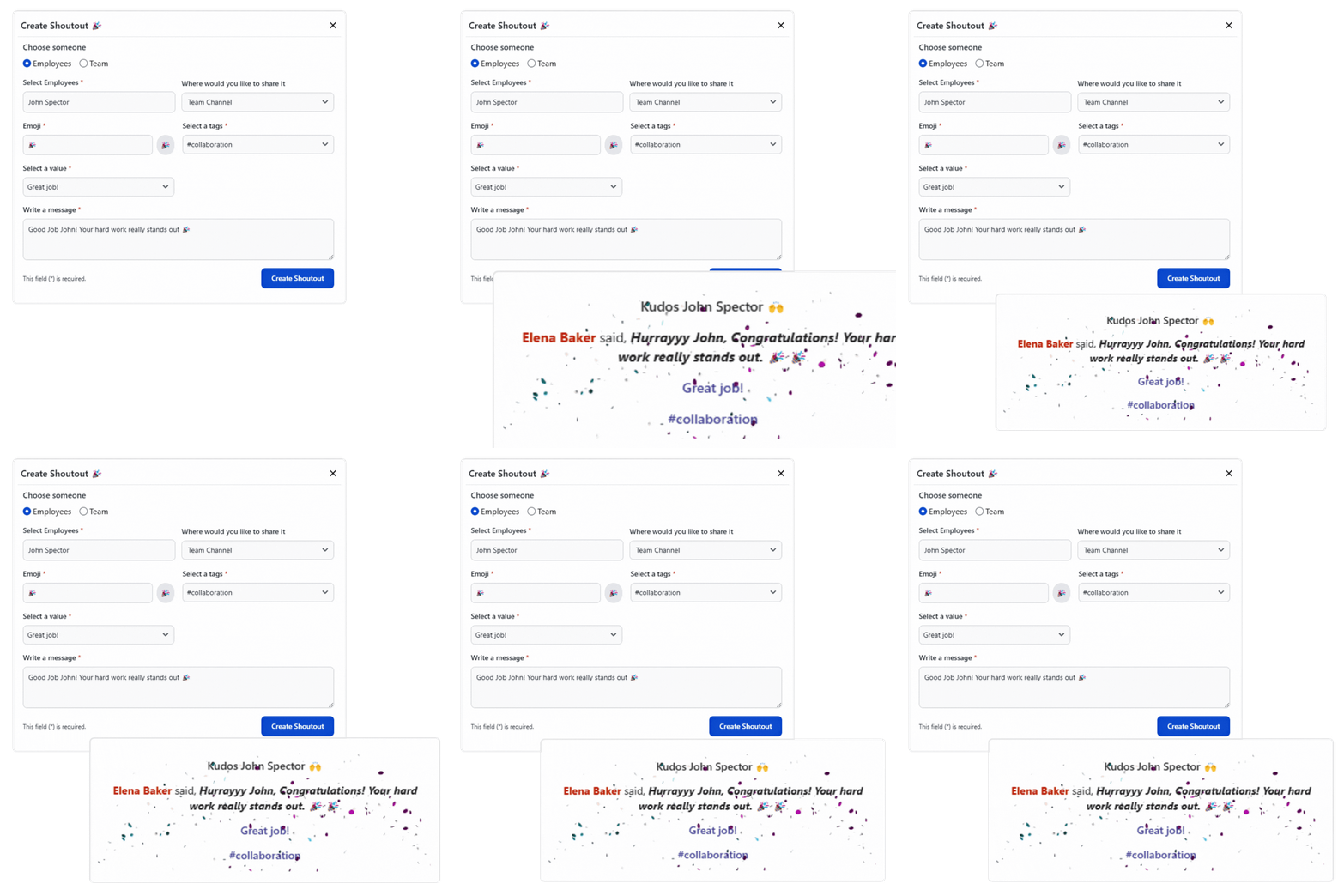
Seamless Integration
Boost team engagement by conducting all recognition activities directly within Teams.
- In-app shoutouts
- Instant notifications
- Culture reinforcement
Instant Access to Recognition Data
Monitor and review team recognition data in real-time.
- Recognition activity tracking
- Engagement metrics
- Data-driven insights
Simplicity at Its Best
Easily navigate the platform with its user-friendly design, quick onboarding, and accessibility for every member of your team.
- Onboarding in no time
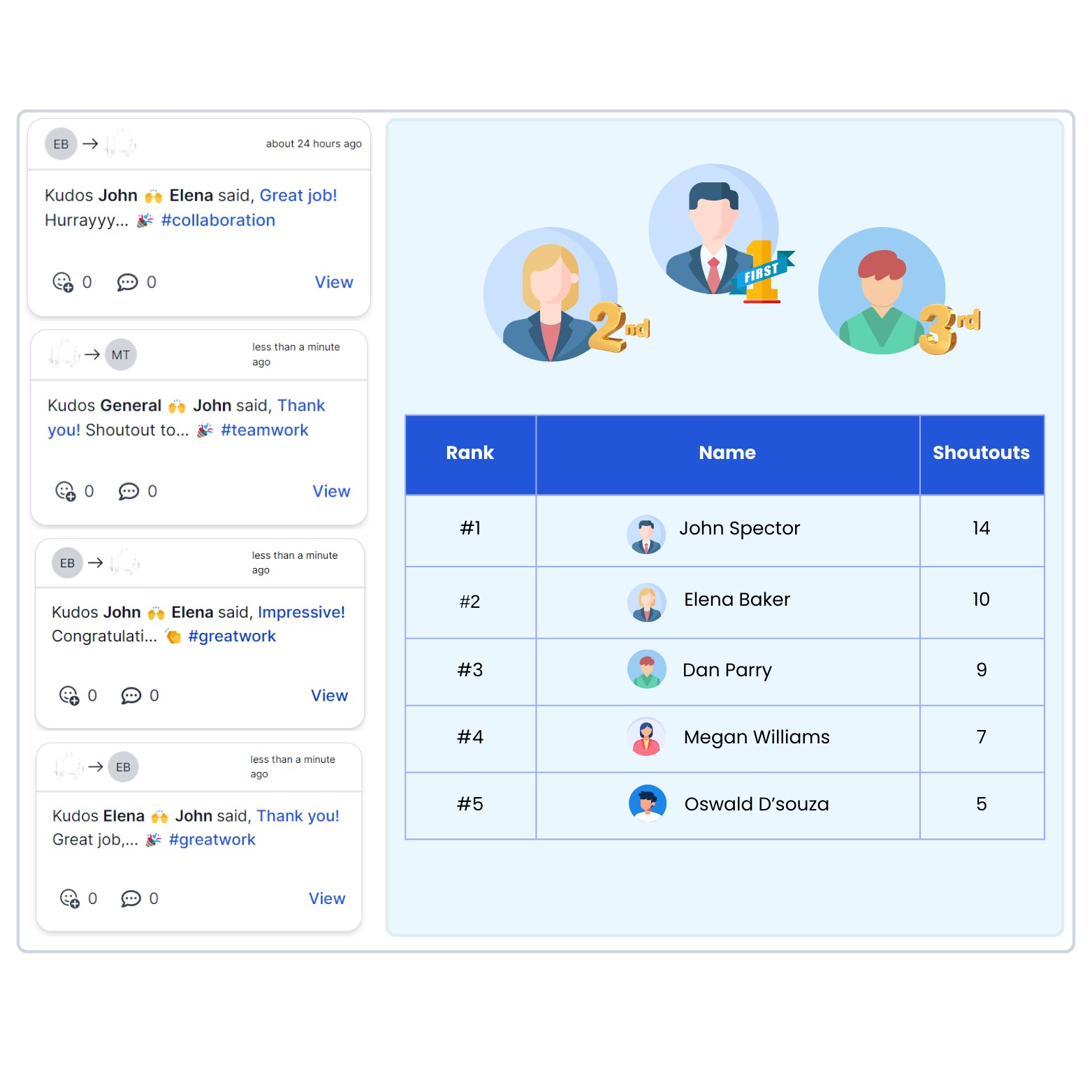
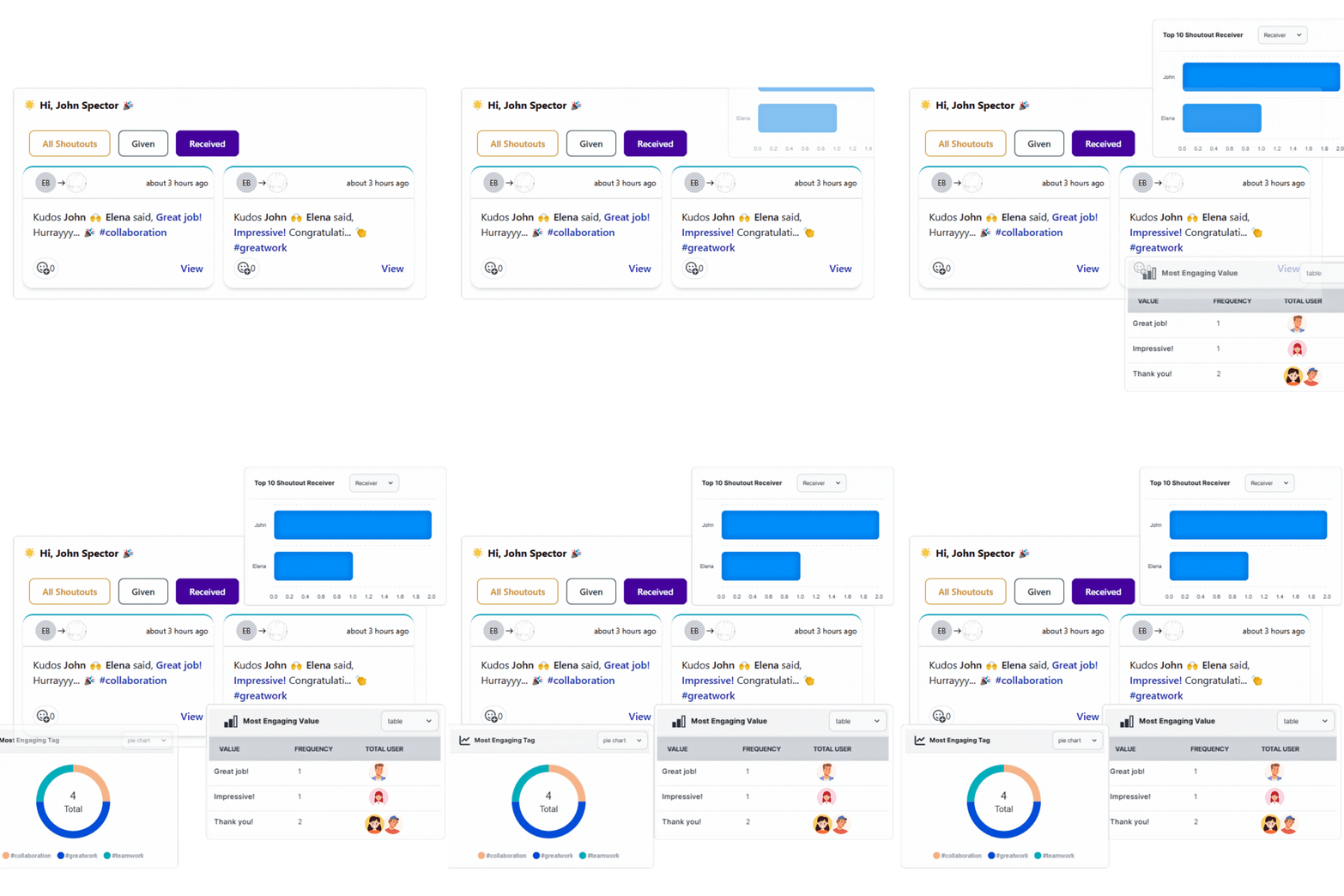
- Real-time dashboard analytics
- Accessible to all team members
- Comprehensive leaderboard
Pricing Plans for Appreciation
Enhance Team Engagement with Specialized Plans
Free Trial
For all users - Enjoy Complete Access to All Features Without Limits
- Complete Access to All Features
- No user limits during trial
- 30-day trial period
Free Plan
For 1-10 users - Enjoy Complete Access to All Features Without Limits
- Complete Access to All Features
- Up to 10 users
- Unlimited shoutouts
Standard
For 1-1,000,000 users - Unlimited Access with Instant Support
- Unlimited users (1-1M)
- Unlimited Access to All Features
- Instant Support
Enterprise
For All - Tailored solutions & flexible pricing for your team
- Tailored solutions
- Flexible pricing for your team
- Dedicated Support
Frequently Asked Questions
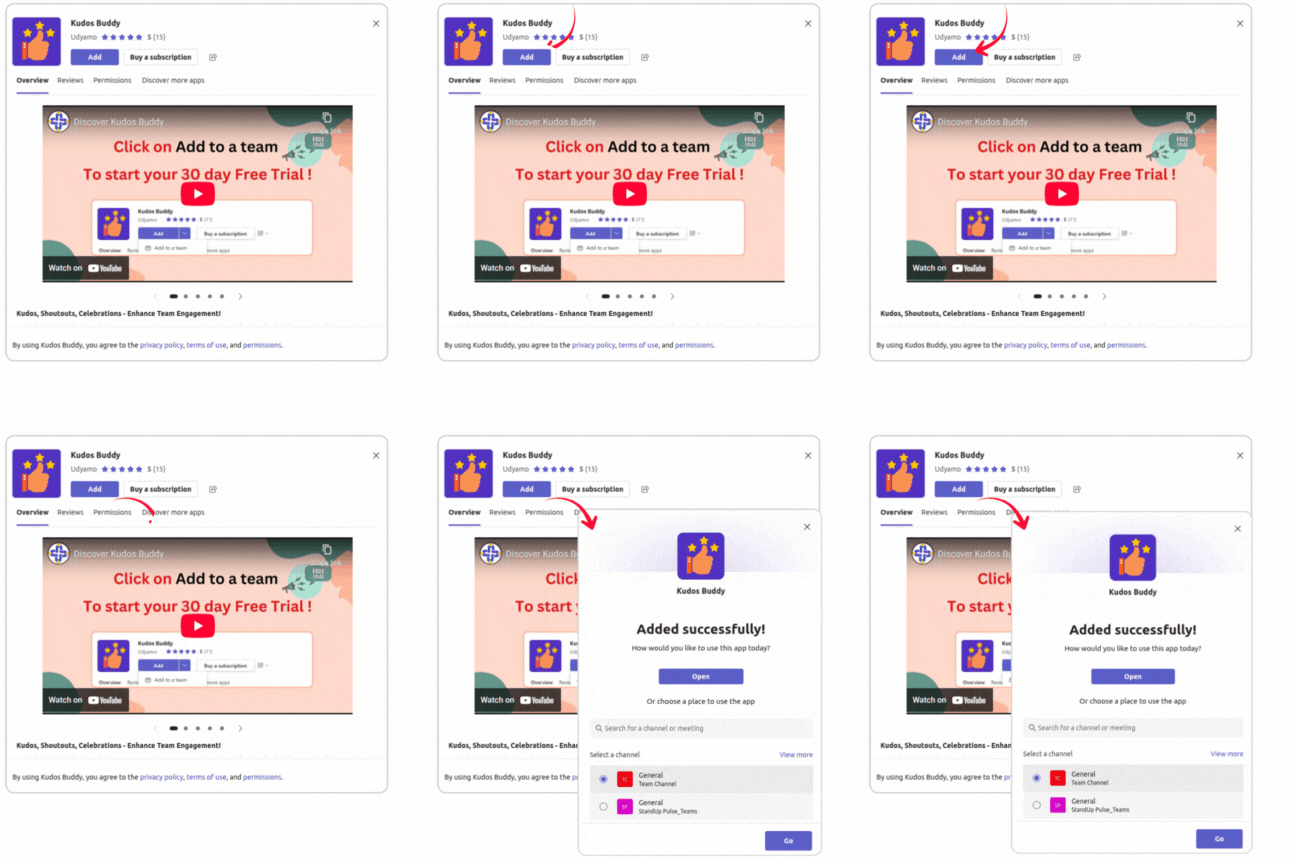
How do I create a shoutout using the bot?
How can I subscribe to Kudos Buddy?
Is there a free trial available?
How do I give a shoutout to an individual using the Kudos Buddy?
Can I give a shoutout to a team using the Kudos Buddy?
Can I receive shoutouts in both direct messages (DMs) and team channels?
Who can give reactions and comments on shoutouts?
Can I react to or comment on any shoutout, or are there restrictions?
Can I view all the shoutouts I have created?
How can I manage my subscription or cancel it for Kudos Buddy?
What security measures are in place for data protection in Kudos Buddy?
Ready to Get Started?
Join thousands of teams who are already using our tools to boost their productivity.
Get Started for Free